Time tracking built for Microsoft Teams
Keep your entries accurate and your budgets under control, all inside Teams. Gryzzly integrates seamlessly with Microsoft to give you clarity and compliance from day one.

for


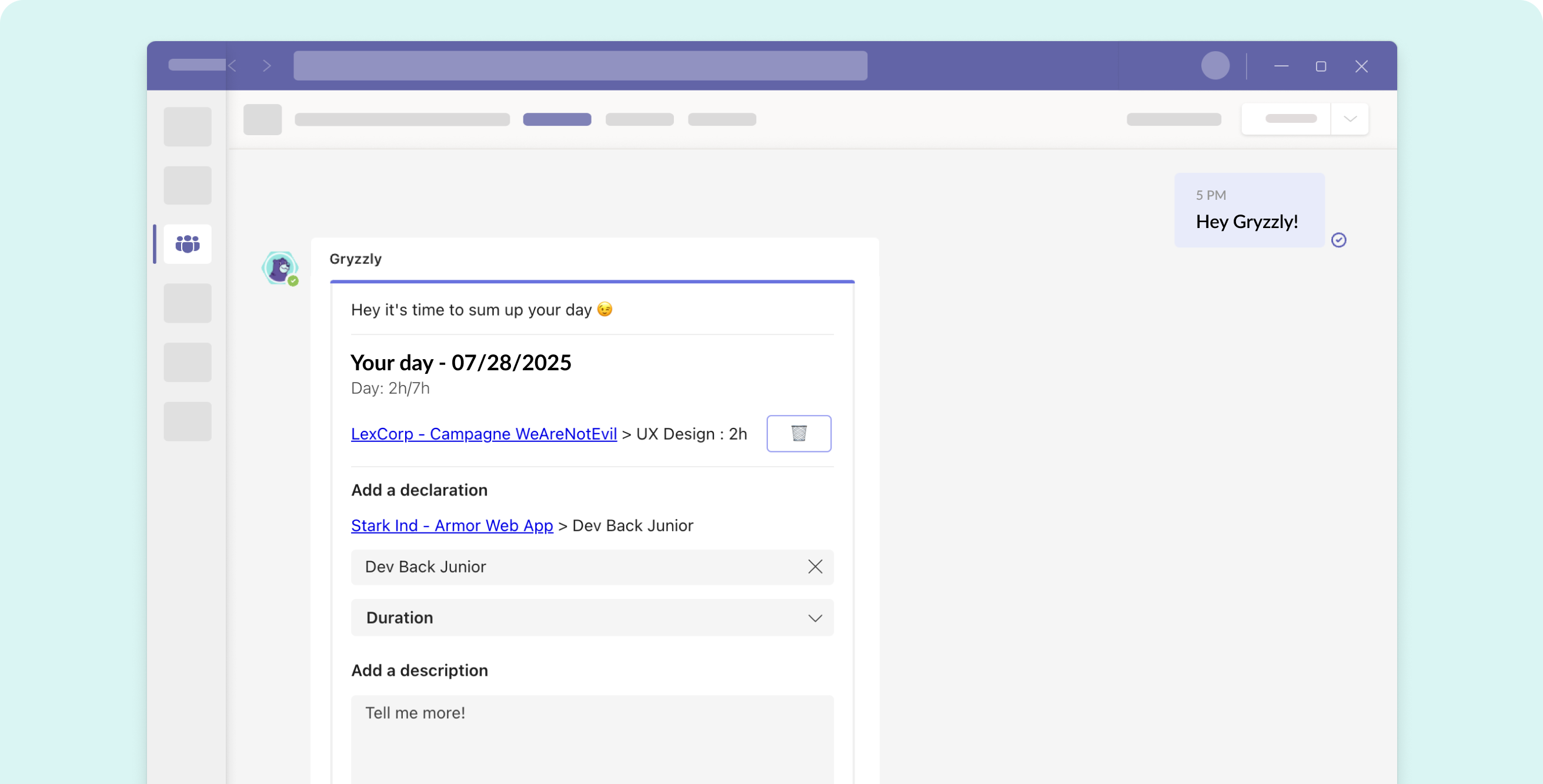


Microsoft-grade reliability, applied to time tracking
Gryzzly meets your IT standards while making life easier for your team.
-
Native integration with Microsoft Teams
-
GDPR compliant & enterprise-level security
-
French-based support, tailored to demanding environments
How it works

1️⃣ Get a reminder in Teams
Your team gets a quick ping in Teams and logs hours in seconds. No context switching.

2️⃣ Entries stay up to date
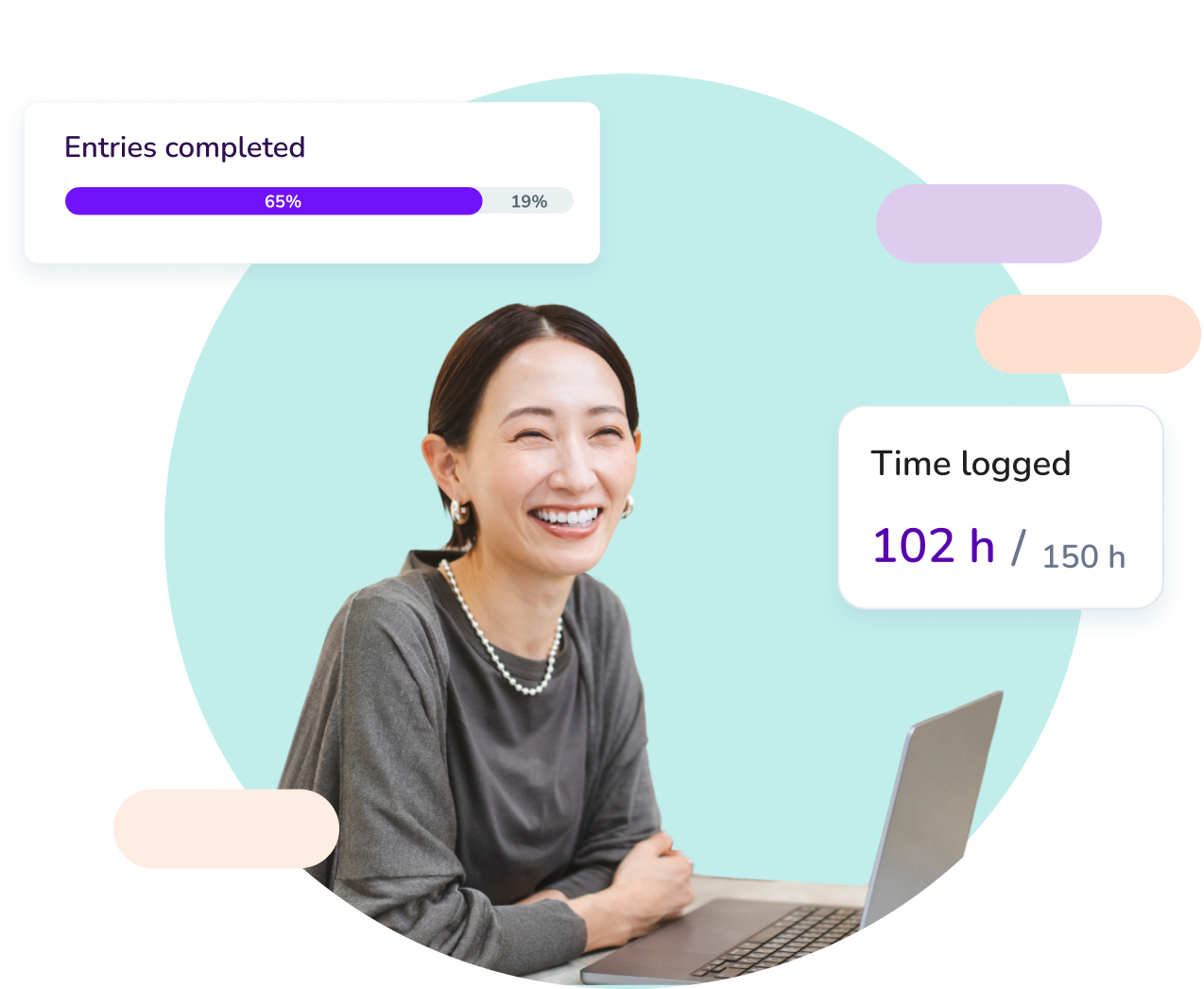
Logs are saved automatically. No chasing, no missed data - just clean, reliable tracking.

3️⃣ Track it all
Your dashboard updates projects in real time, so you can spot issues early and act fast.
Set up Gryzzly in Teams and start reliable time tracking in 24h
14-day free trial. No credit card required.
Project visibility that drives results - inside Teams
🧘 No more chasing your team
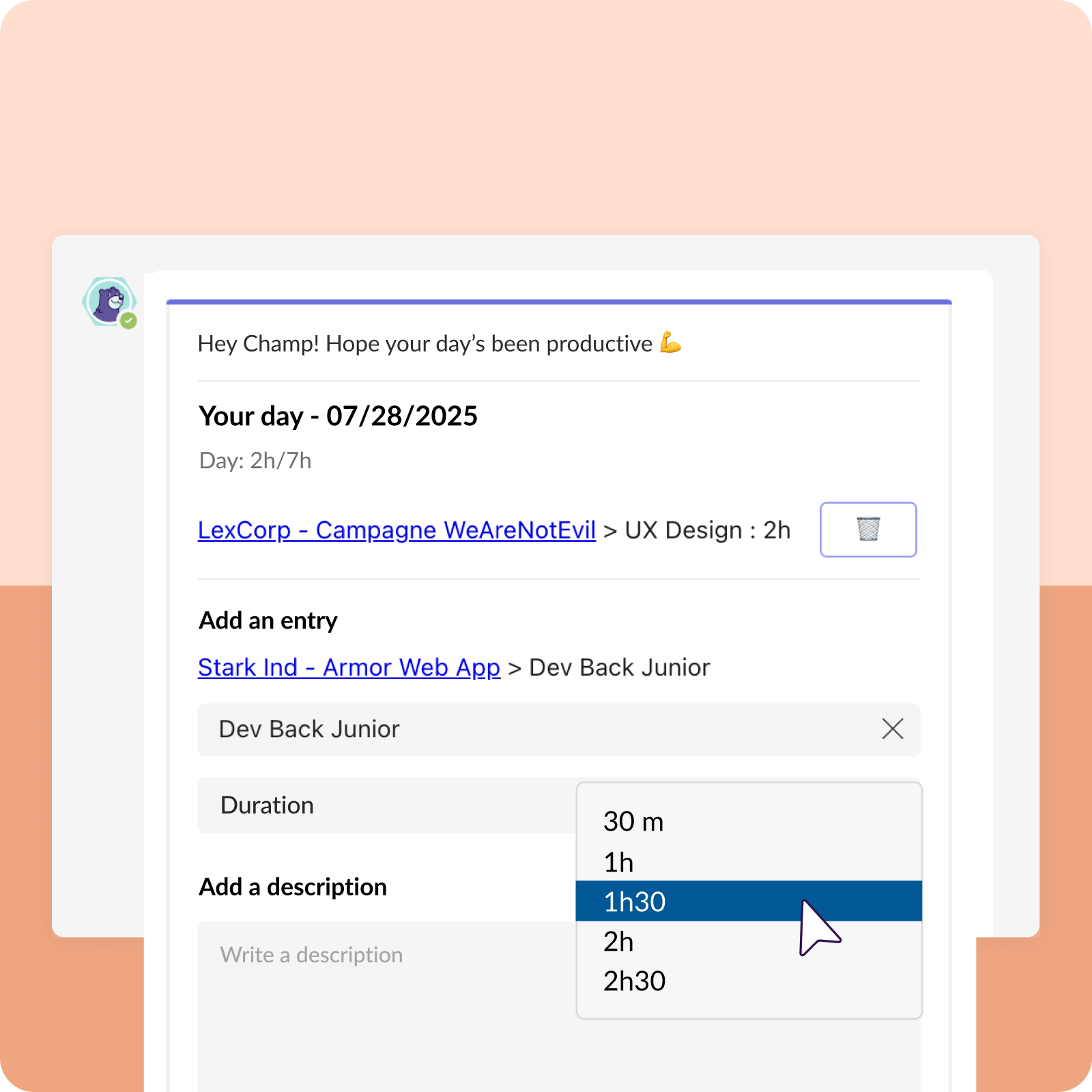
No more endless follow-ups. Gryzzly collects time entries right in Teams chats so everyone saves time.
✅ Data you can trust
Entries sync automatically. Clean, centralized, and ready to share with clients or auditors.
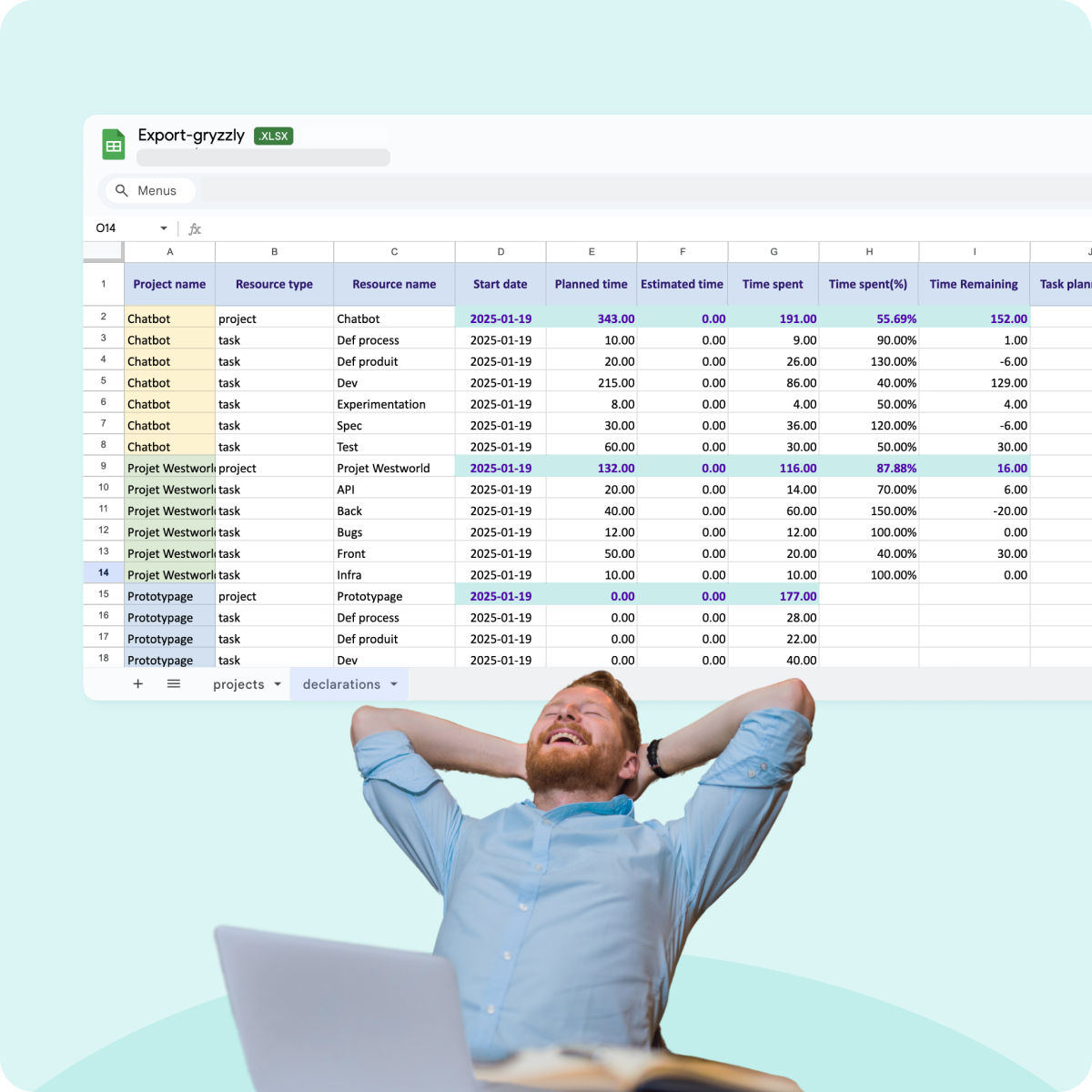
📊 Budgets in real time
See where hours go and how budgets evolve - no need to wait until month-end reports.
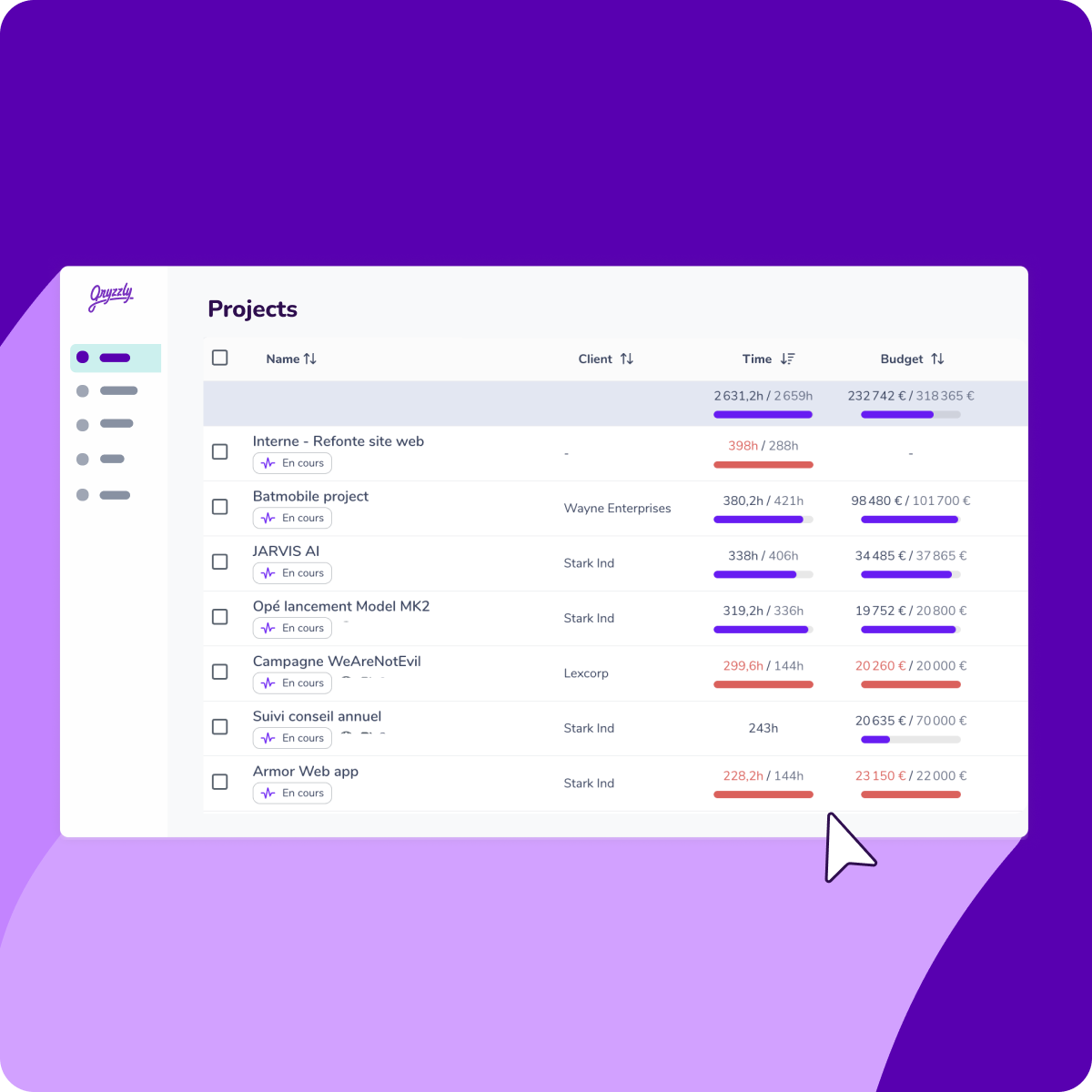
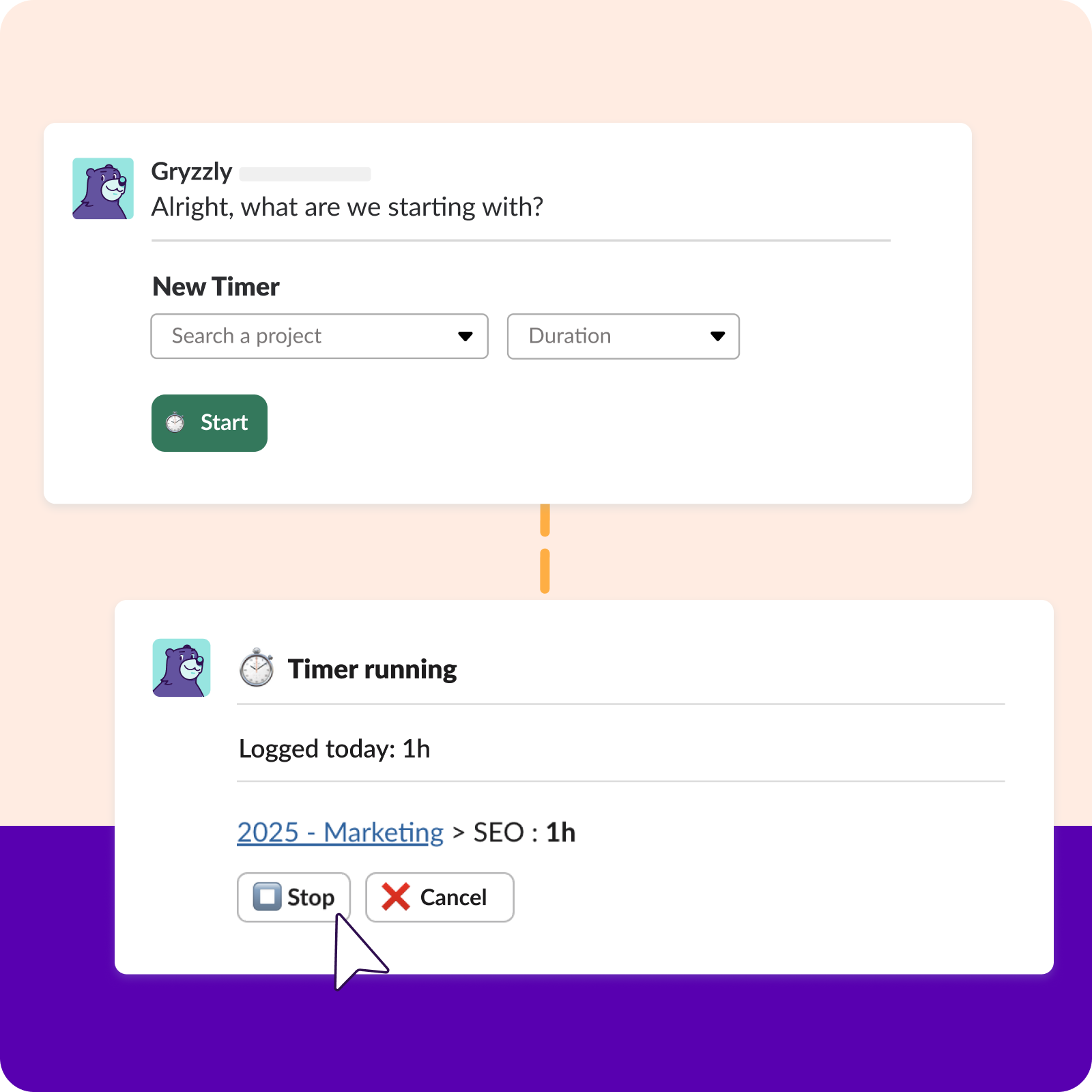
⏱️ Stay in control with a timer
Start and stop timers directly in Teams. Gryzzly pings you when it’s done - approve in one click.
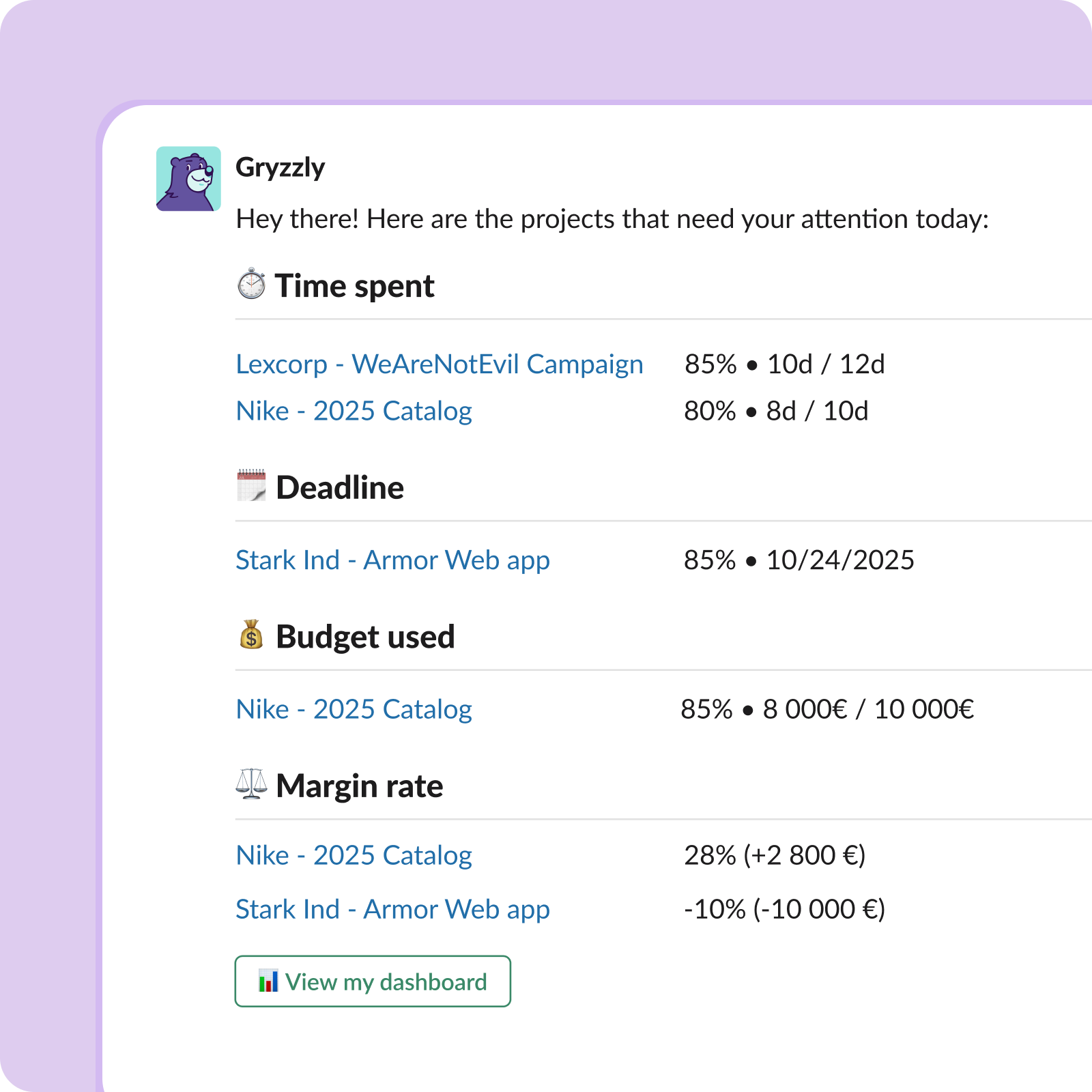
🚨 No more last-minute surprises
Get alerts the moment a project drifts. Reallocate resources before margins take a hit.
Make your time tracking bulletproof with our experts
Our France-based team helps you deploy Gryzzly in Teams, onboard your staff, and adapt the tool to your projects.



Launch Gryzzly in Teams and get real-time budget visibility today
14-day free trial. No credit card required.
Frequently Asked Questions
💬 Does the chatbot read my Teams conversations?
– lists users to send invites
– collects name and email to create accounts
– opens a private 1:1 chat with each teammate
⚙️ How do I install the chatbot?
Follow the steps on screen and you’re ready to go.
🔁 Can I customize reminders?
You can also log time anytime by simply saying “hello.”
🚨 What if I miss a reminder?
No problem! You can always log later. Two options:
- Scroll back to the missed reminder and reply — it will be saved to the right date.
- Go to your dashboard > My Time and fill in what’s missing.
👩🏫 Do I need to train my team?
Logging time is as easy as sending a message.