The easiest way to track time in Slack & Teams
Gryzzly fits seamlessly into the tools you already use, so logging hours feels effortless. No extra tools, no training, just accurate data, updated every day.

for


Simple for your team. Clear for you.
How it works
-
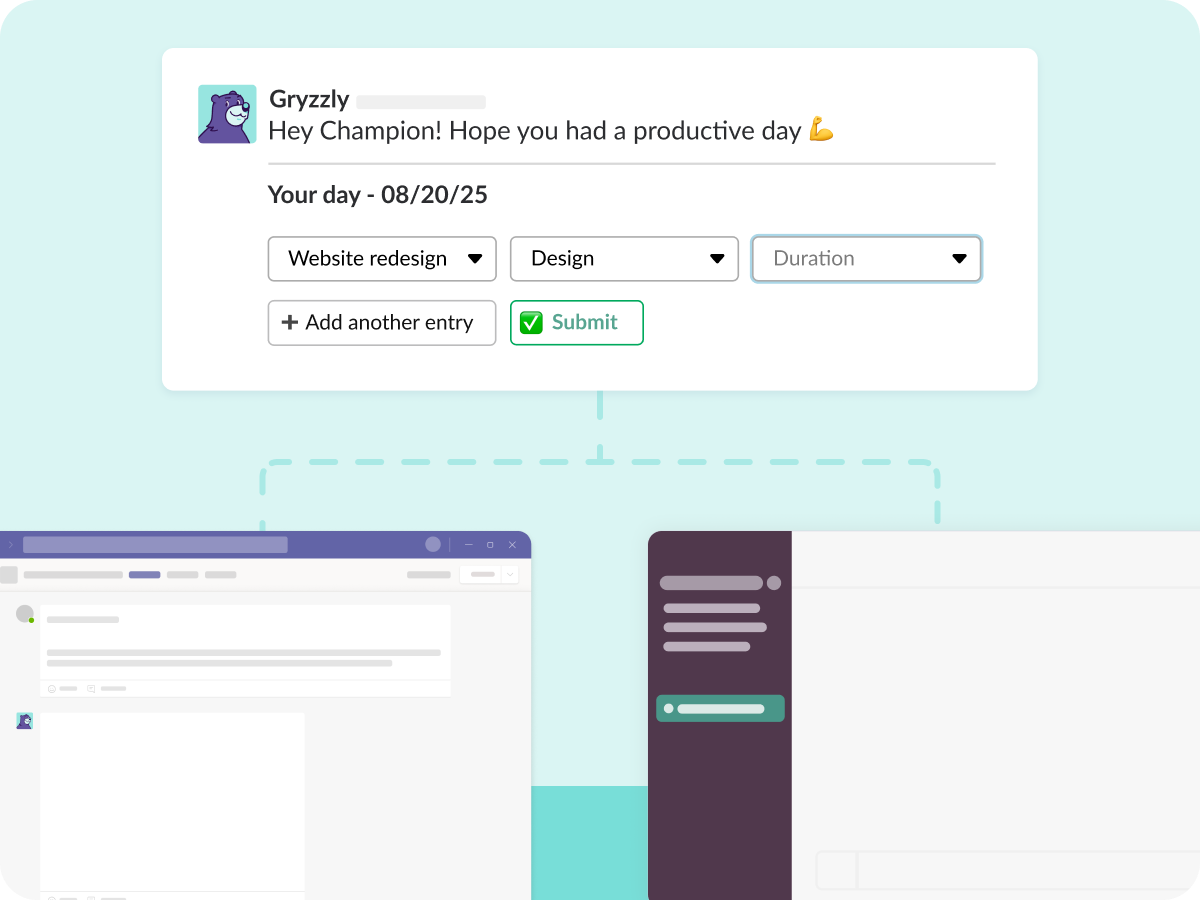
Every day, Gryzzly pings your team directly in Slack or Teams.
-
They log time in seconds, without ever leaving the chat.
-
Entries stay up to date, reminders run automatically, and nothing slips through the cracks.

Adoption from day one
No new tool. No onboarding headaches. Gryzzly works where your team already works.

One minute a day
The chatbot asks at the perfect moment. Logging time takes less than a minute.

Data you can trust
Daily updates mean fewer gaps, fewer errors, and reports you can actually rely on.
A chatbot designed for modern teams
💬 Log time without leaving the chat
Gryzzly blends into your workflow, asking just the right questions at just the right time.
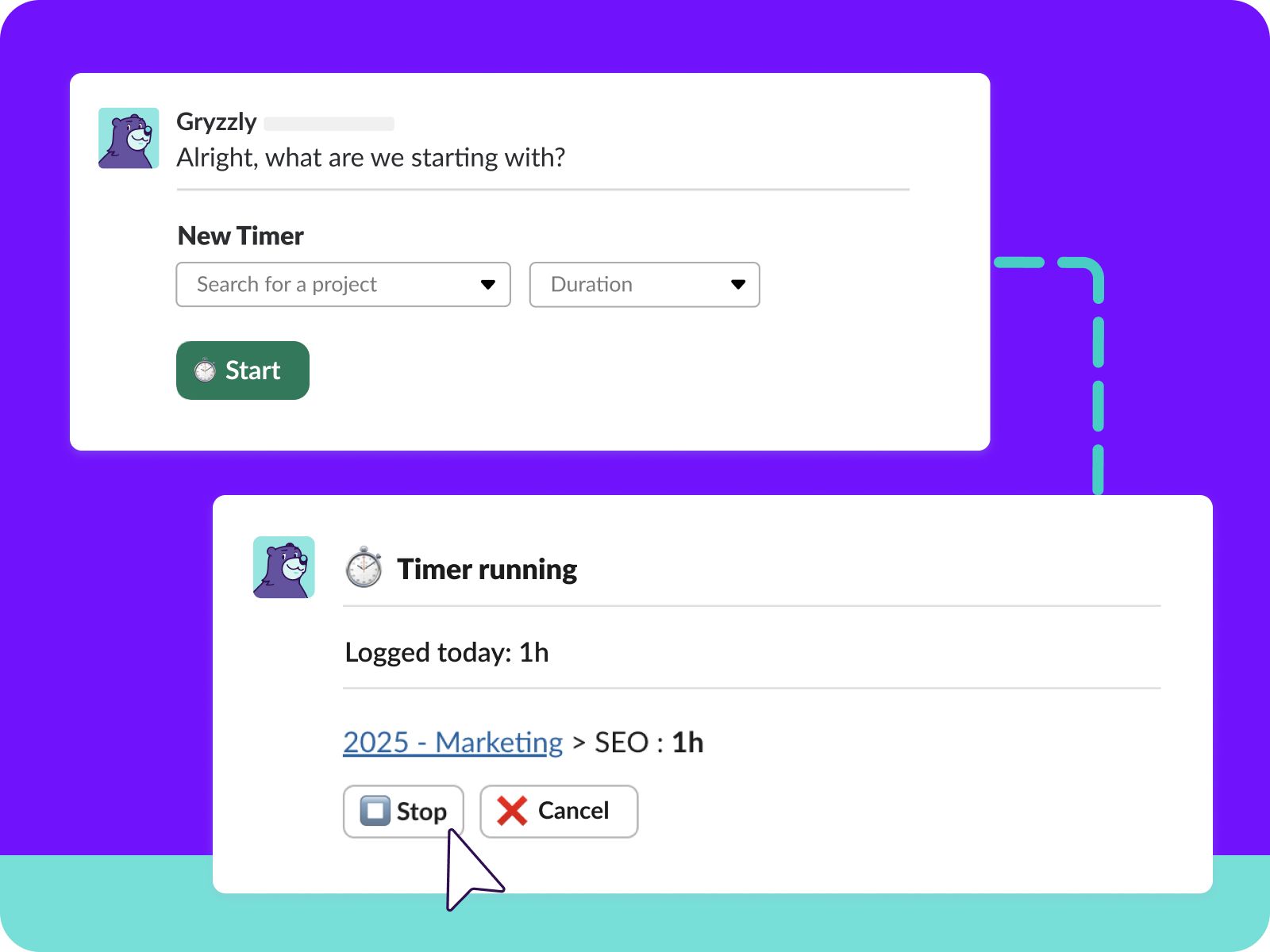
⏱️ One-click smart timer
Start tracking instantly, focus on the work, and confirm when you’re done. No more manual clocks.
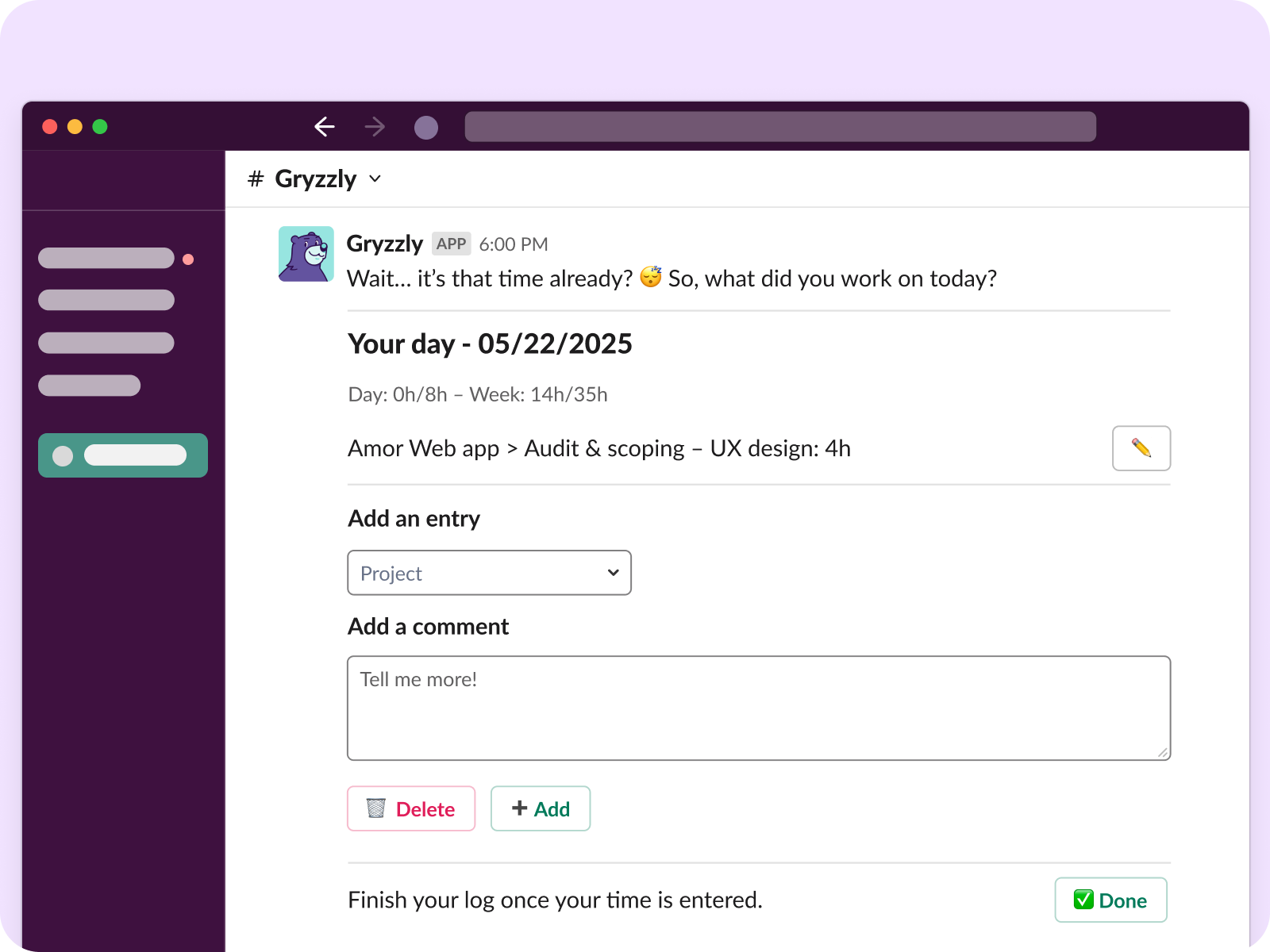
🔔 Automatic nudges
Forget chasing teammates for timesheets. Gryzzly sends polite nudges until everyone’s up to date.
Roll out time tracking that actually sticks
Our France-based team helps you launch Gryzzly in Slack or Teams, engage your staff, and get reliable reporting from day one.


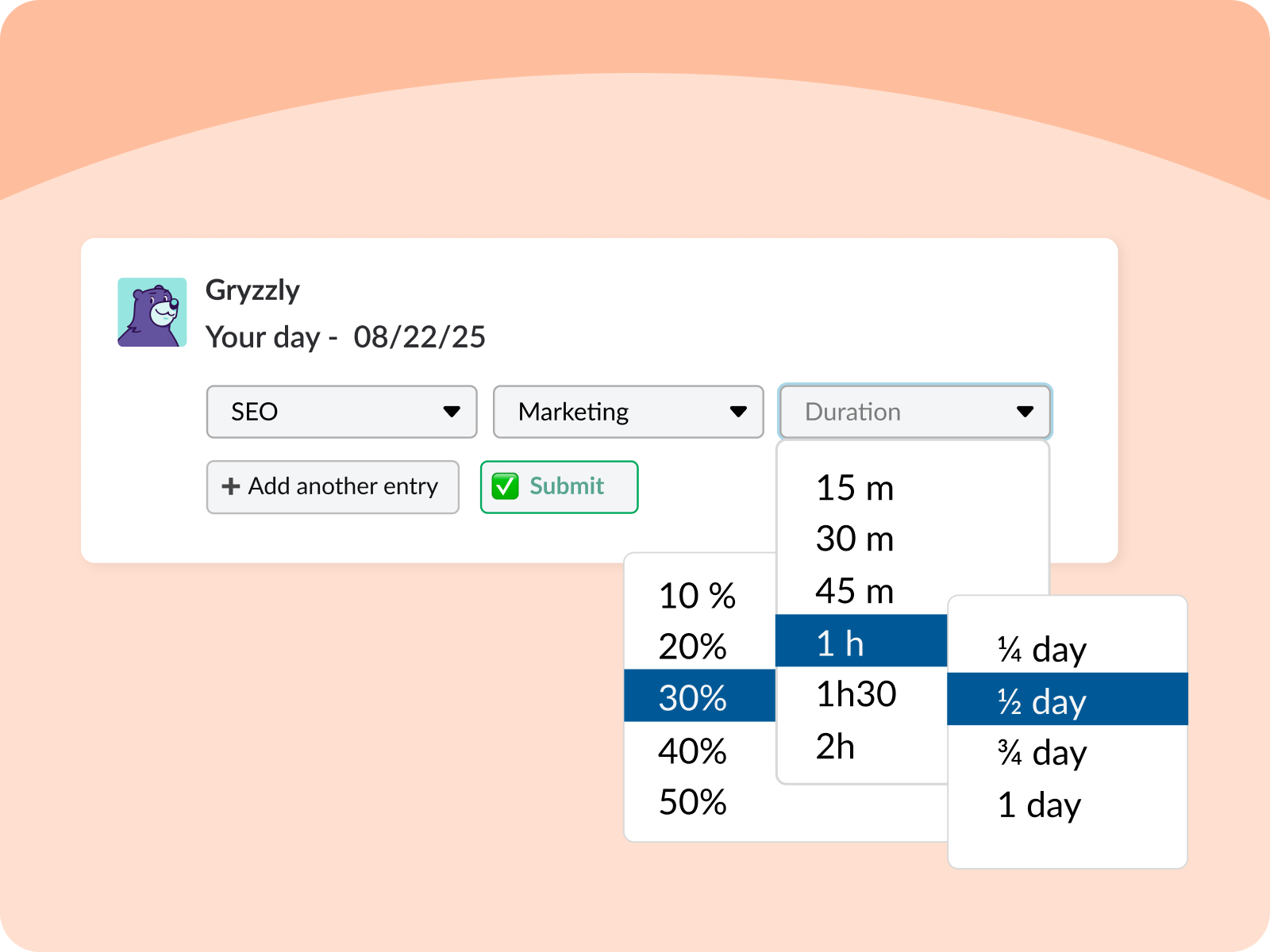
🎛 Flexible entry formats
Hours, days, percentages… your team chooses, Gryzzly makes it consistent.
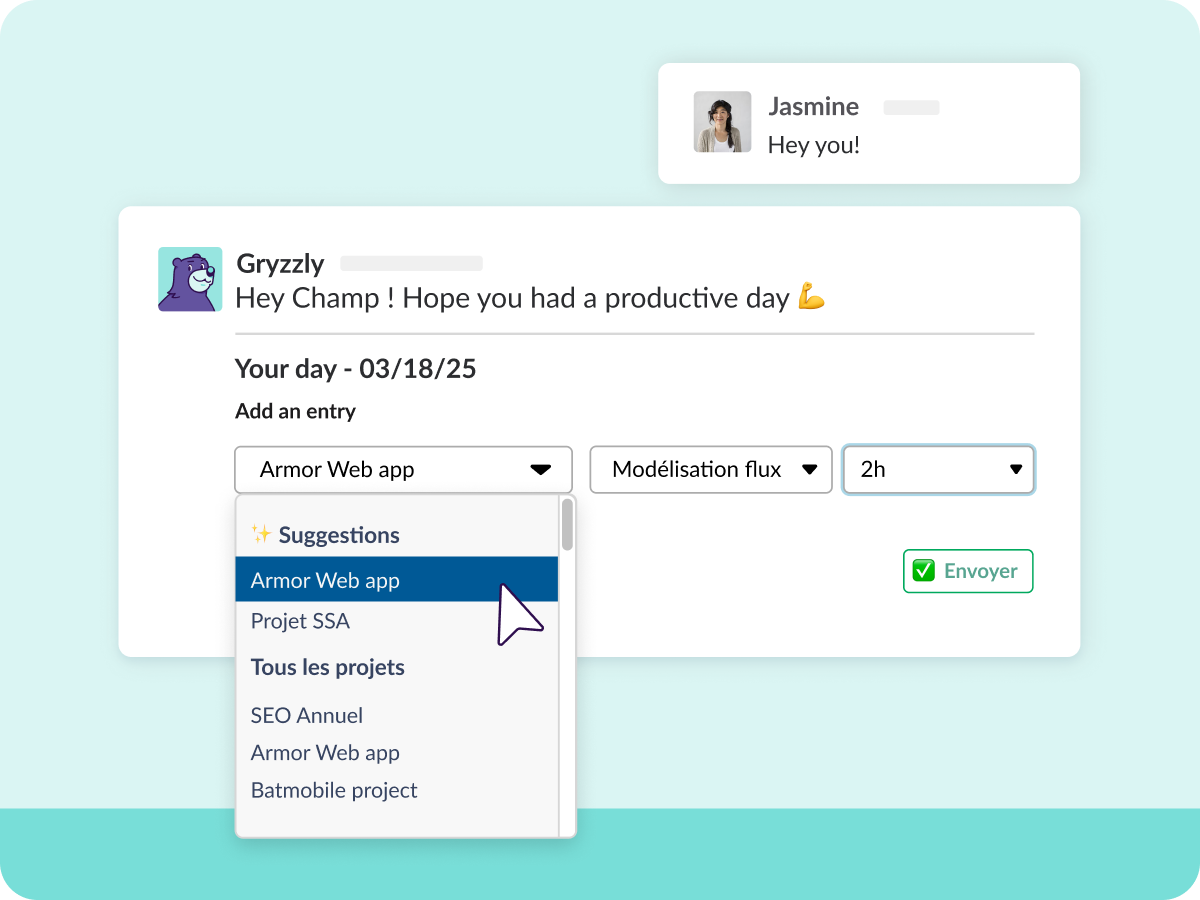
🤖 Smart autofill
Gryzzly remembers recent tasks and projects, so entries are quicker and more accurate.
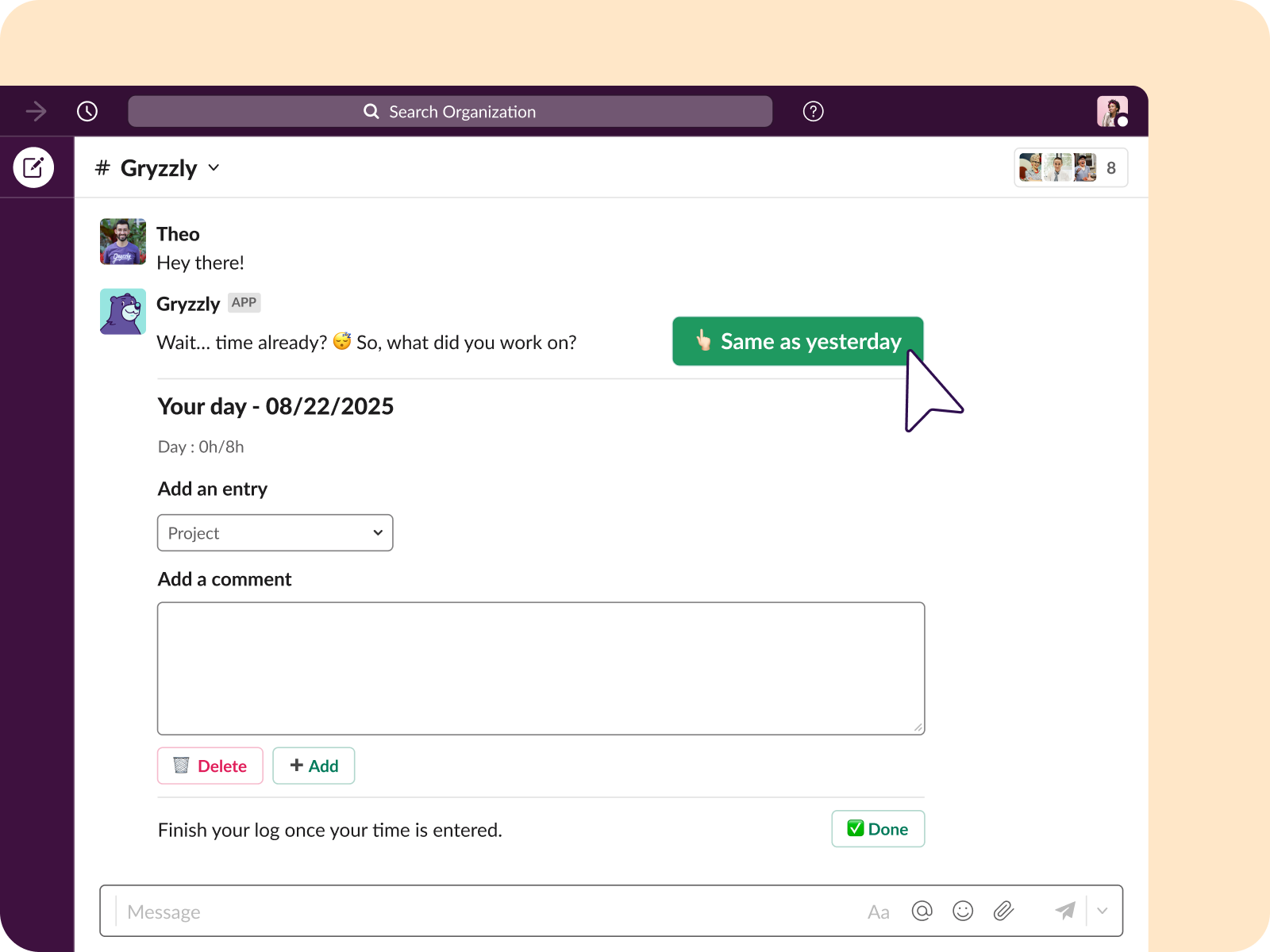
👆 One-click repeat
Hit ‘same as yesterday’ and you’re done. Perfect for recurring work.
The results speak for themselves
3x
faster time logging100%
up-to-date data2x
more reliable reporting+73K
projects tracked


Start tracking time the easy way
Try Gryzzly free for 14 days, no credit card required.
Frequently Asked Questions
💬 Does Gryzzly read my Slack or Teams messages?
– lists users so they can be invited
– stores name and email to create accounts
– opens a private 1:1 chat with each teammate
⚙️ How do I install it?
Follow the quick steps on screen and you’re done.
🔁 Can I set my own reminder times?
You can also log time anytime by simply saying “hello.”
🚨 What if I miss a reminder?
– Scroll back to the missed message and reply (it’s saved to the right date).
– Or open your dashboard → “My Times” to fill in gaps.
👩🏫 Do I need to train my team?
Logging time feels as natural as sending a message.